
Google Play Store
Google Play Store is Google's digital distribution platform for Android, used to find, install and update apps, games and books.
101.1 MB

12.10.8 · ChelpuS · Page updated
Lucky Patcher is an unofficial Android tool that patches other apps. It is not on Google Play and carries legal and security risks.
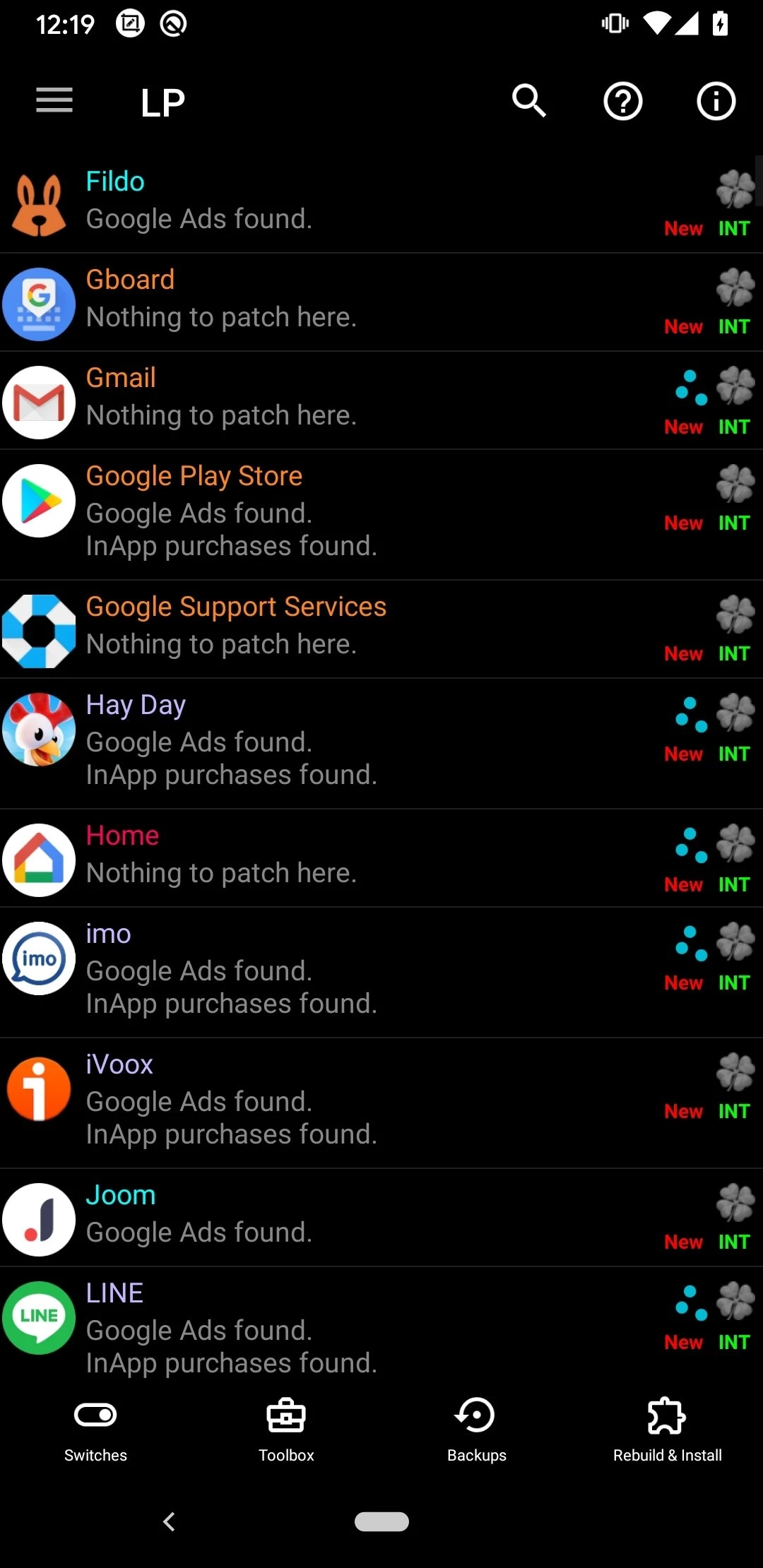
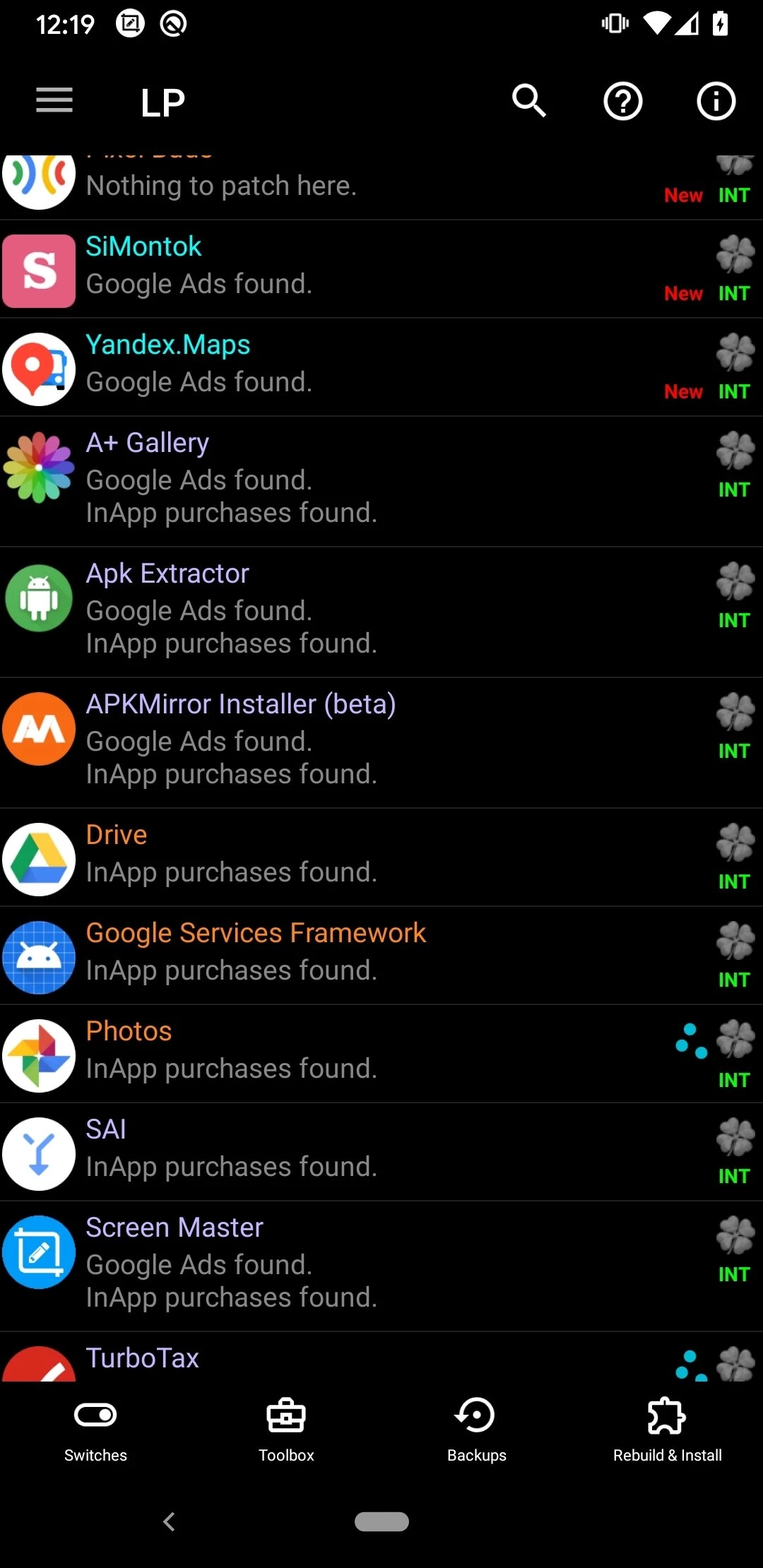
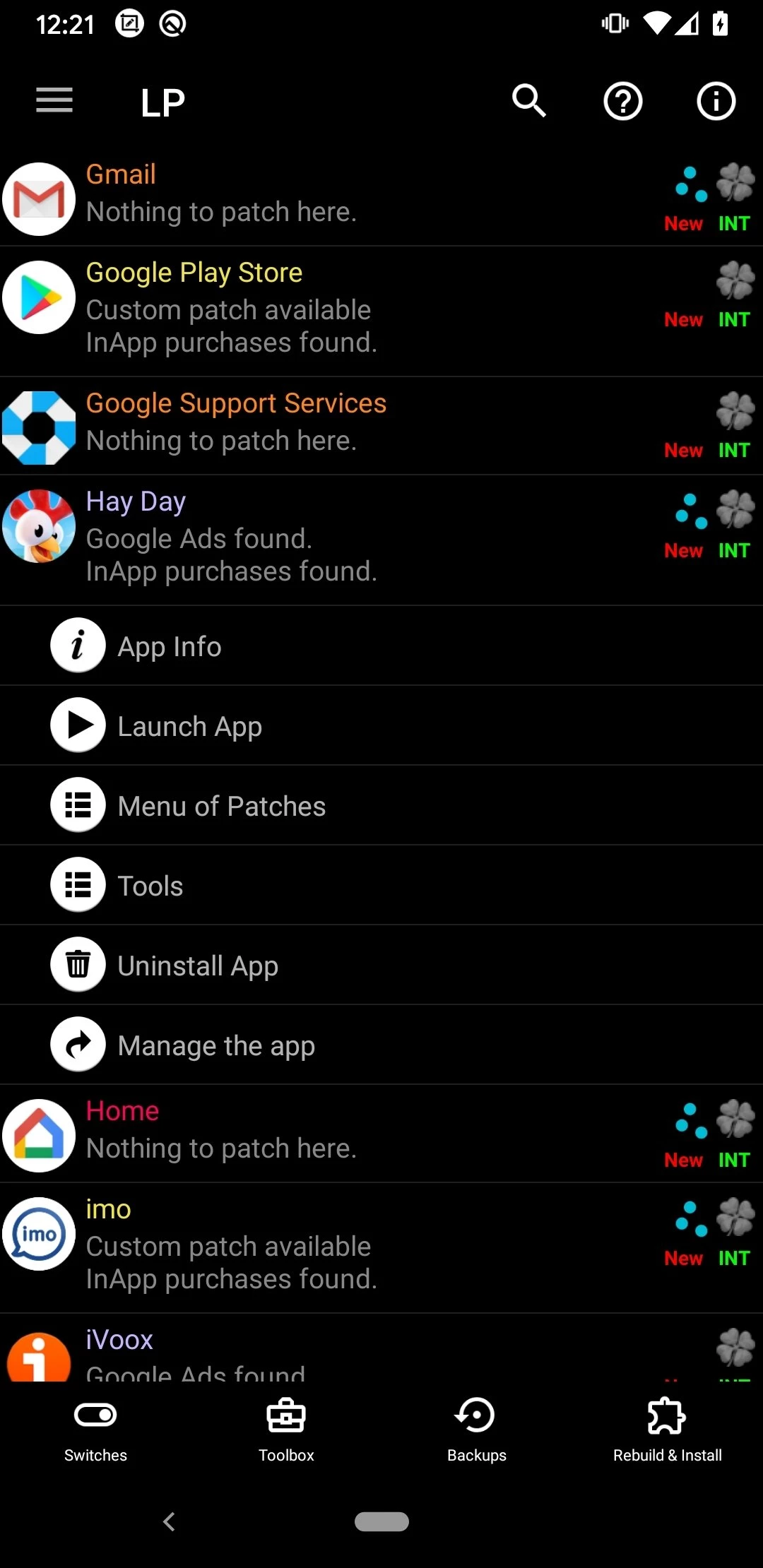
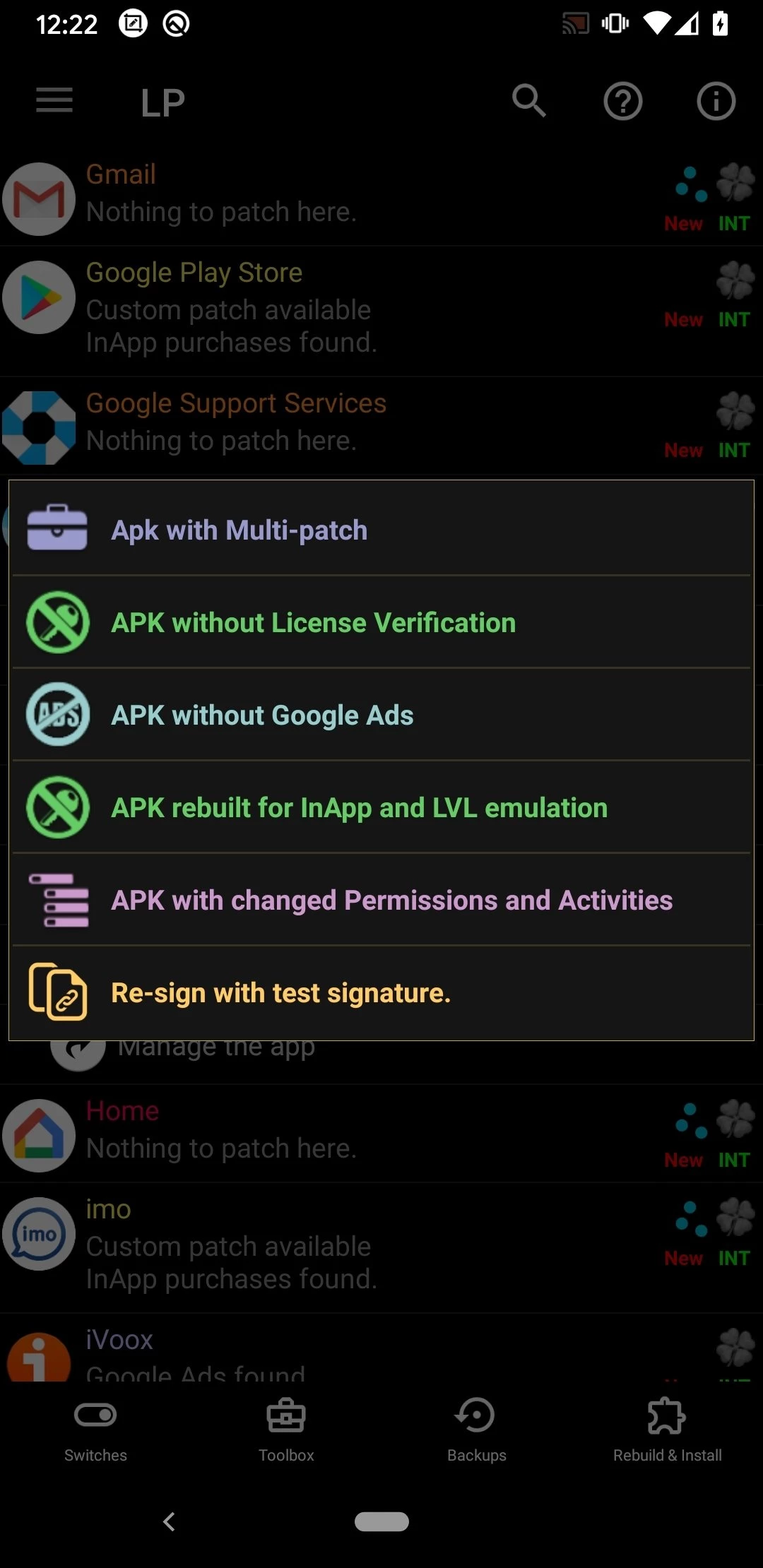
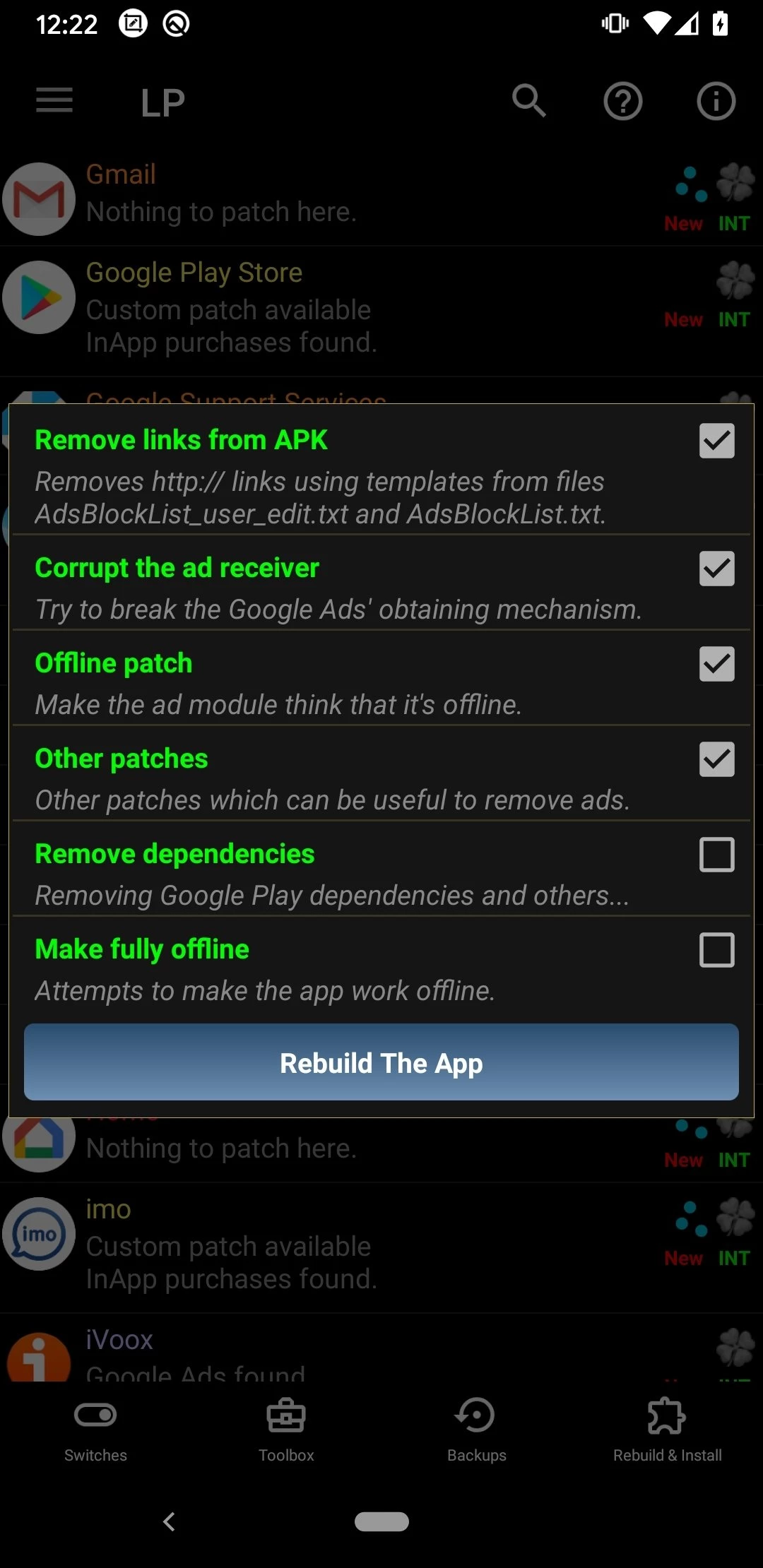
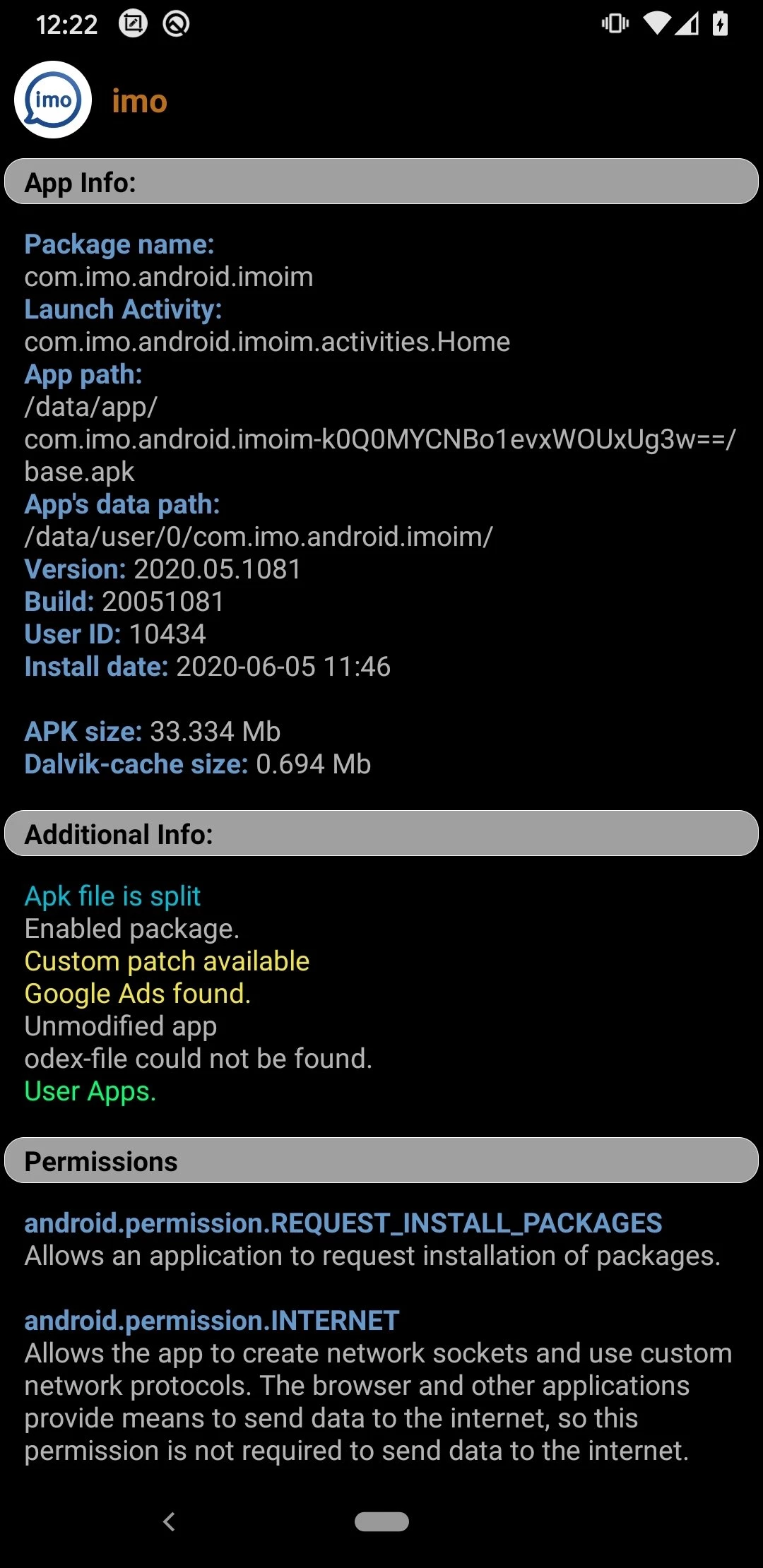
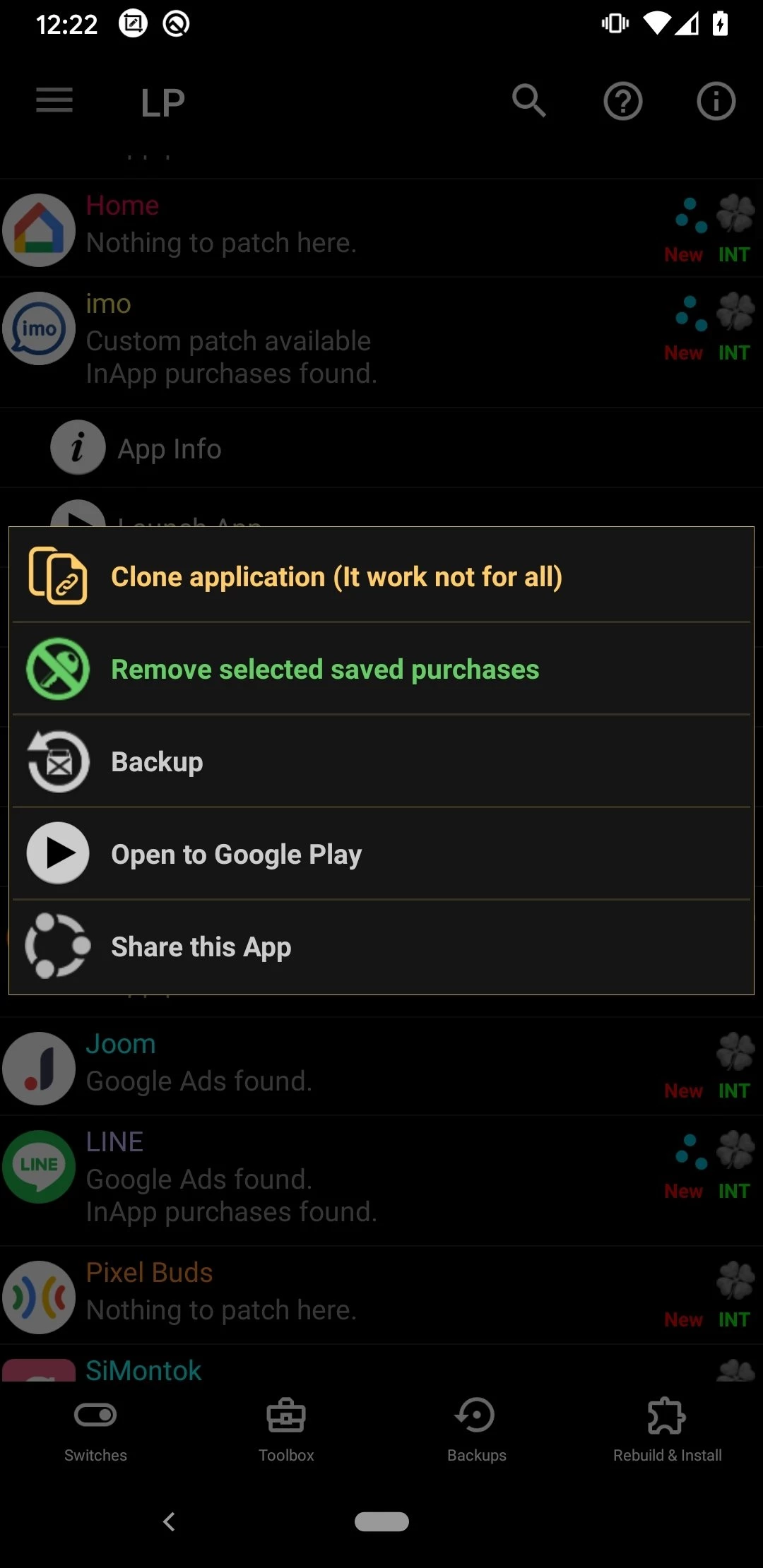
Lucky Patcher 12.10.8 is an Android tool that can patch other Android applications, attributed to a developer known as ChelpuS. It is not available on Google Play, so anyone thinking of a Lucky Patcher download for Android should first understand what the tool changes on a phone and what risks come with it.
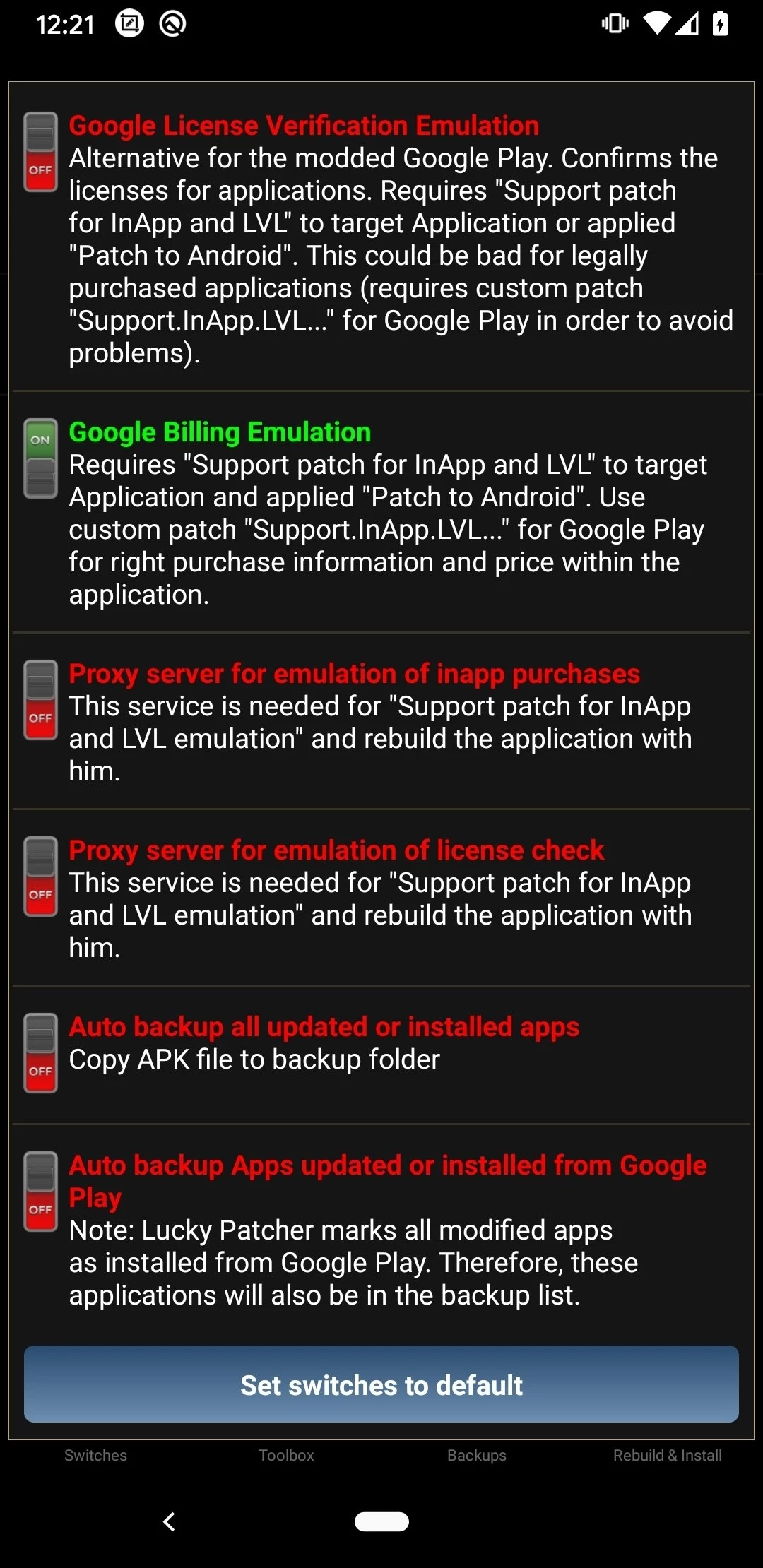
Lucky Patcher modifies other apps installed on the device. It changes how those apps behave by altering their files or the way they check permissions, licences and purchases. People use it to remove ads, to change permissions of an app, or to try to unlock paid features, and the last use is exactly where the trouble starts. Changing a paid app or an in-app purchase without paying breaks the terms of Google Play and of the developers, and in many countries it can also break the law. Some features need root access, which weakens Android's own protection. Wikidata lists English and Russian as its interface languages and describes it as freeware under a proprietary licence, and the tool is distributed only through third-party websites that are not accountable to anyone. That is the whole picture: a powerful, unofficial tool that asks for deep access to your phone.
Removing licence checks or getting paid content for free violates the terms of Google Play and of app developers and may be illegal where you live. Accounts can also be banned in online games and services that detect modified apps.
No one can guarantee it. Copies of the APK circulate on many sites that imitate an official one, and a modified APK may contain hidden malware, spyware or ads. Because the tool works with other apps and sometimes with root, a malicious copy can do much more damage than an ordinary app. Banking and payment apps may refuse to run on a device where such tools are present.
If you still want to see how it works, do not use the phone with your accounts, photos and banking apps. Use a spare device with nothing personal on it, or an Android virtual device in the Android Studio emulator, and sign in with a test account only.
The site that distributes it states Android 4.0 or newer. The catalogue lists the package at about 12.00 MB.
Lucky Patcher is freeware. Sites asking for payment or for completing offers to unlock it are a clear sign of a scam.
To control apps on your phone without these risks, use Android's own settings for permissions and notifications, and install apps from Google Play or trusted stores such as Aurora Store or Huawei AppGallery listed on our site. Paying for apps you use supports their developers and keeps updates coming.
Google Play Store is Google's digital distribution platform for Android, used to find, install and update apps, games and books.

APKPure is a third-party app marketplace for Android that installs apps from APK files outside Google Play. This page covers version 3.20.7803.

Aptoide is an open-source alternative app store for Android, running since 2009. This page covers version 9.22.5.3.

Test DPC is a sample device policy controller for Android Enterprise, used by developers and IT administrators to test work profiles and management policies.

QuickShortcutMaker is a small Android tool for creating home screen shortcuts to specific screens of installed apps, including hidden settings.